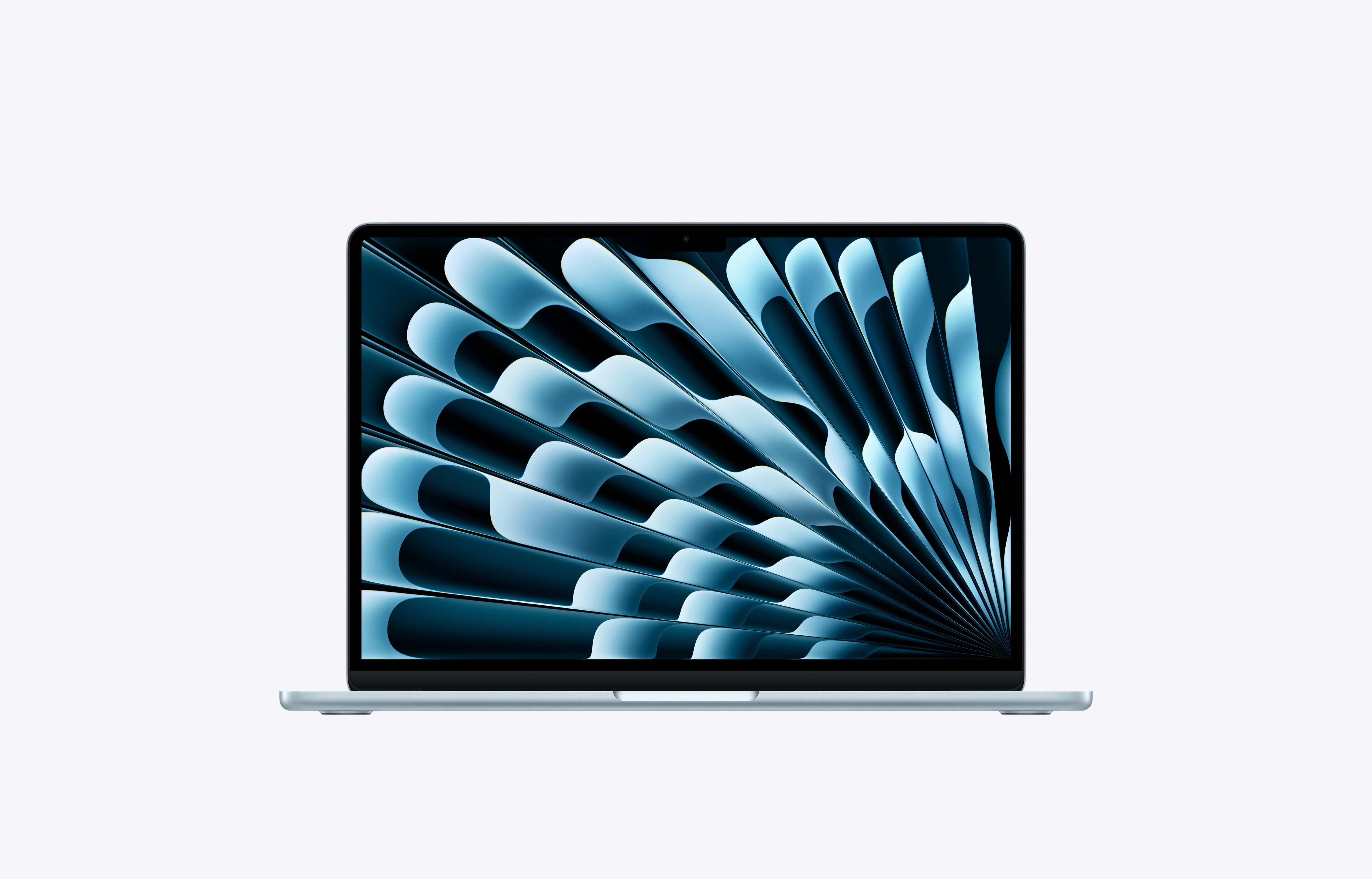
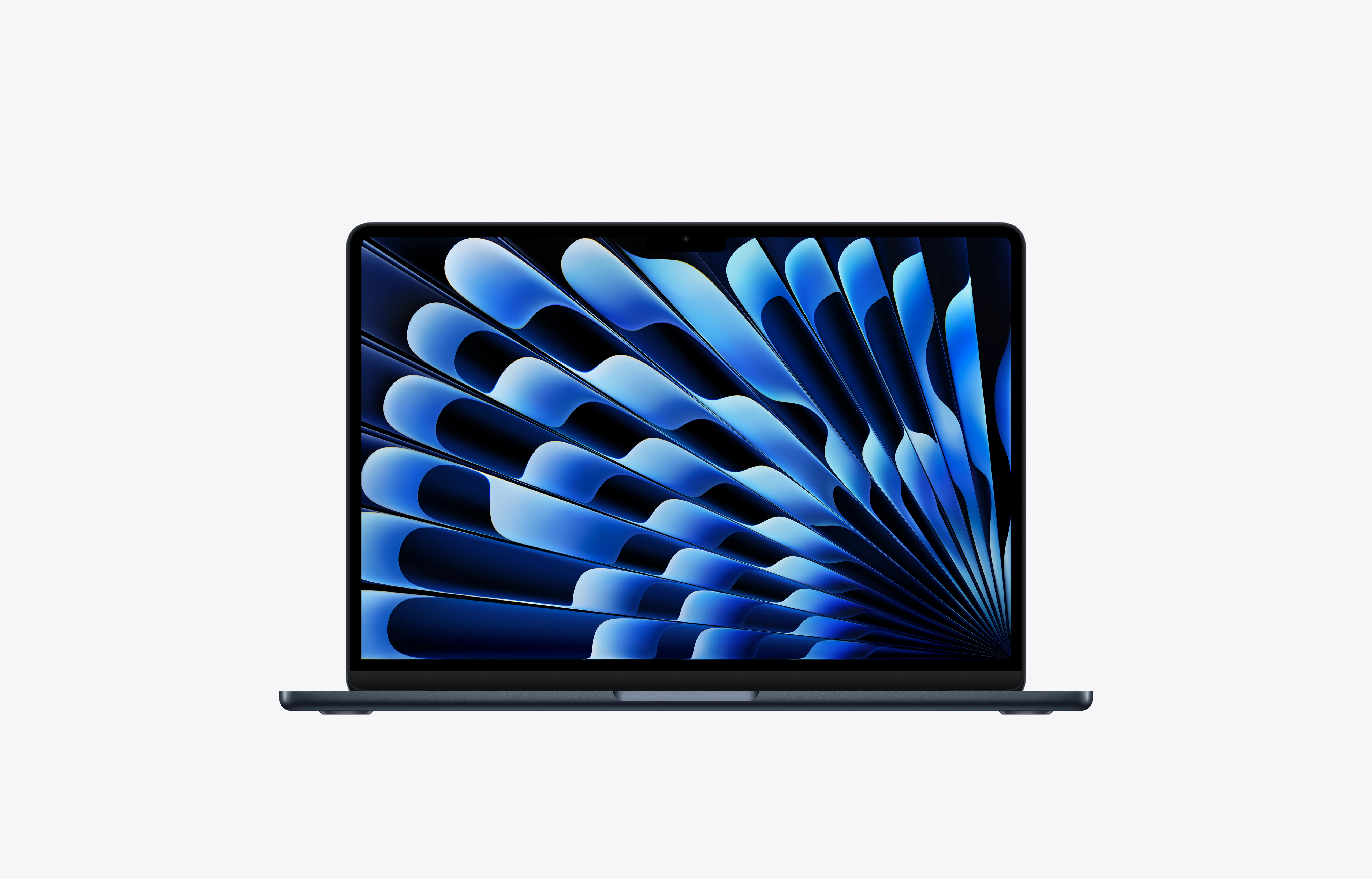
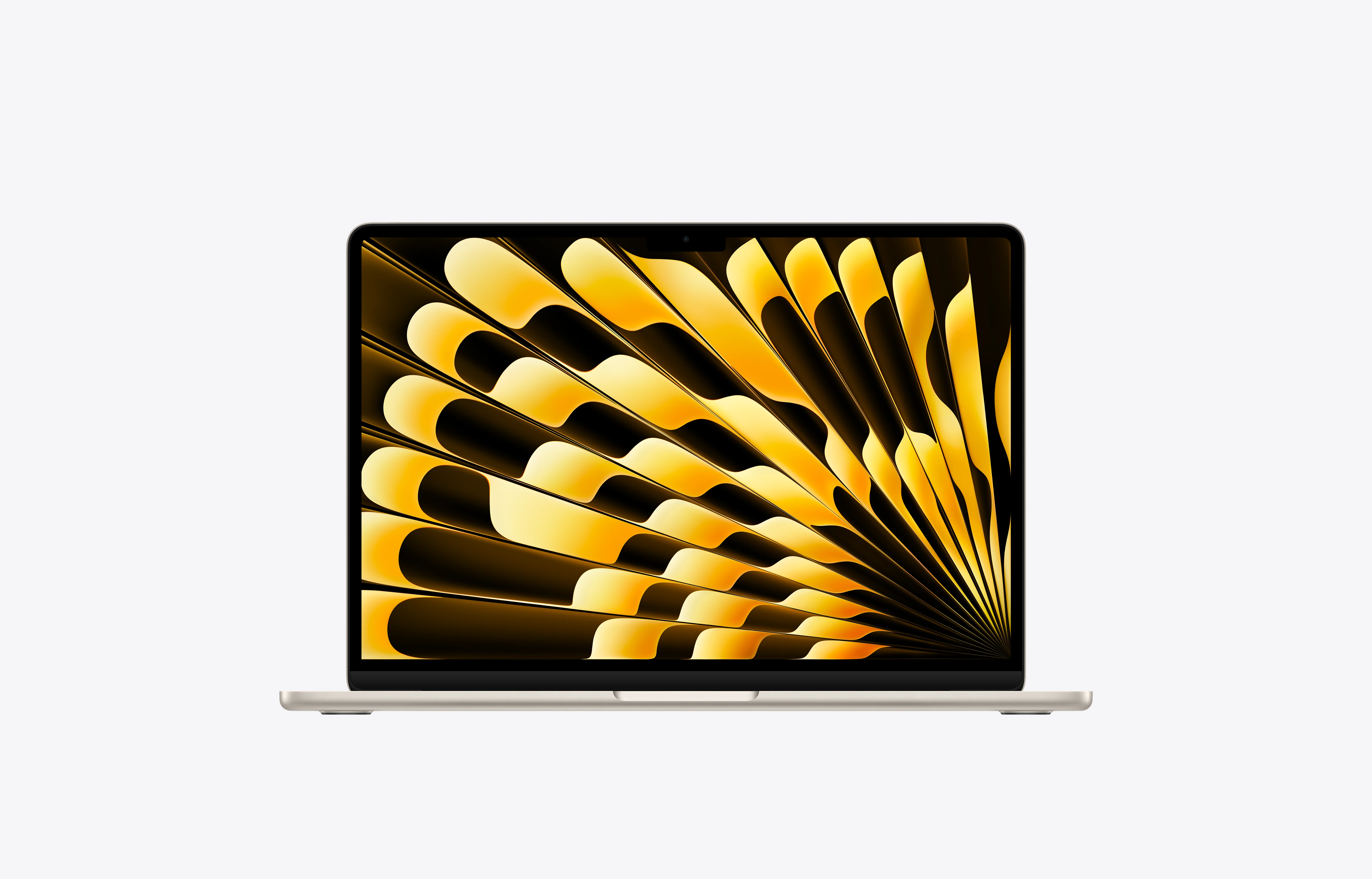
With its featherweight of 1.2 kg and just over a centimeter thick, the MacBook Air easily slips into your bag so you can take it anywhere. Composed of more than 50% recycled materials, its resistant recycled aluminum housing is adapted to everyday hazards.
749,00 € – 799,00 €
Pricing varies depending on the available inventory option.
Selected configuration
1TB · Sky Blue · 10-core CPU · 8-core GPU · 16 GB · Apple M5
Performances
M5 Speed chip ++++.
MacBook Air displaying video editing to highlight the capabilities of the M5 chip
Apple M5 chip
Performance for the processing of LLM prompts
Up to
9.5x
Faster than the MacBook Air
With M14
Up to
4x
Faster than the MacBook Air
With M45
Up to
3.8x
Faster than laptops
With Intel Core Ultra X76
AI thruster. MacBook Air delivers brilliant AI performance with the powerful combination of GPU, Neural Engine, and unified memory on the M5 chip. With a Neural Accelerator built into each GPU core, AI tasks run even more efficiently. From upscaling images by AI to running the latest major language models, it boosts productivity and creativity like never before.
Do several things at the same time. In less time. The M5 chip gives you even more speed and fluidity for all your activities, whether it's quickly moving from one app or tab to another, editing 4K videos or playing immersive games like Neverness to Everness. And thanks to its fanless design, the MacBook Air remains silent.
At the heart of the M5 chip
A person sitting in an armchair is using their MacBook Air
Astronomical autonomy. MacBook Air offers up to 18 hours of battery life. And it is compatible with fast charging, which allows you to reach up to 50% in just 30 minutes16. So you can run your activities with peace of mind, whether at the office, in the classroom or in front of your favorite movies, without worrying about the battery.
Up to
6 pm
Autonomy1
IA
Designed for AI.
Starting with the chip.
Whether it's your studies, your business or your creative projects, the MacBook Air with M5 is designed to integrate AI into your daily workflows, while preserving your privacy. So you can take advantage of powerful Apple Intelligence features in apps and macOS, run LLMs on your Mac or code freely, without losing any of your productivity – or security.
MacBook Air screen showing Apple Intelligence Writing Tools used to create micro-economy and macro-economy sheets
AI apps on Mac. Naturally fast. The Mac is optimized to manage AI apps like ChatGPT, LM Studio, Msty Studio, Topaz Video and Topaz Photo, so you can learn faster, think differently and do more.
Image Playground screen with the image of a hanging lamp and AI-generated text
AI tools in apps. Magically Mac. Use smart tools to boost your productivity and creativity – whether it's editing images in Photoshop, generating 3D models in Shapr3D, or editing movies in Final Cut Pro.
Apple Intelligence
More effects. Less effort.
Apple Intelligence is the personal intelligence system that helps you write, express yourself and do more effortlessly. With revolutionary privacy technologies, you're sure no one can access your data, not even Apple2.
Learn more about Apple Intelligence
MacBook Air screen showing Apple Intelligence Writing Tools used to write an email
Apple logo with U-shaped padlock instead of the rod
Great powers imply great confidentiality.
Apple Intelligence is designed to protect your privacy every step of the way. Integrated into the heart of your Mac, it uses embedded processing to take into account your personal information without ever collecting it.
And thanks to advances in Private Cloud Compute, Apple Intelligence can handle more complex requests by leveraging larger, server-based models running on Apple chips, while protecting your privacy.
macOS
Engine of possibilities.
MacBook Air with multiple open apps
macOS is designed to help you work, create, and communicate with powerful apps and smooth multitasking.
Spotlight. Light speed to do everything. Perform hundreds of actions on your MacBook Air, from searching for a file or app to sending a quick message, directly in Spotlight.
Locked screen with Liquid Glass design widgets
Liquid Glass. A transparent appearance. The stunning new design with Liquid Glass features unmatched navigation and controls, and gives you new ways to personalize your experience. Choose light or dark icons, or opt for a transparent and subtle style.
Right side of a Mac screen showing custom Liquid Glass controls in Control Center, like Wi-Fi and Bluetooth
Everything you want, exactly where you want it. In Control Center, customize the controls you use the most, such as the display of mosaic windows, screenshots, and access to your favorite apps. The transparent design gives your screen a clear and refined appearance.
Live Translation in Messages with the user's text message, “Adriana and I are hosting some friends for dinner Sunday night. Can you make it?” Automatically translated into Spanish
Live translation. Communicate effortlessly in different languages and instantly translate your conversations in Messages17. View translated subtitles live in FaceTime. And get real-time voice translations in the Phone18 app.
Continuity
Even better together.
Exceptional each in their own way, the Mac and iPhone work wonders when you use them together. With Continuity, you can easily switch from one device to another to share files and photos and transfer tasks.
Learn more about Continuity features
Answer calls and
Exchange messages
Universal paperweights
Annotate and draw
Locked screen with FaceTime app open, list of recent calls next to a contact card with a Genmoji and the person's name
Your calls and messages arrive directly on your computer. No need to change devices in the middle of a task19.
Technical details
Performance
ChipApple M5
Display
Screen size13.6-inch — Liquid Retina
CPU Cores10-core CPU
GPU Cores8-core GPU
Need to move faster?
Our team can help validate the right model, storage, and configuration before checkout.